

 Table Contents
 Instantly transform your gaming content with ArtFlow AI, the ultimate tool for creating unique gamer animations and custom characters. This guide reveals how you can level up your streams and videos with stunning AI-powered visuals. The best part? You can start right now with the free ArtFlow Android download, putting the power of AI animation directly in your hands.

Create Your Unique Gamer Identity with ArtFlow AI
In a world saturated with gaming content, standing out is everything. Your skills are top-tier, but is your visual identity just as epic? This is where ArtFlow AI for gamer animations comes in, offering a revolutionary way to build a brand that is uniquely you. It’s about more than just gameplay; it’s about creating an experience for your audience. With AI-generated characters, you can craft a digital persona that captivates and engages your followers on a whole new level.
From Text to Animation: A Gamer’s Dream
The core of ArtFlow lies in its incredible text-to-video and text-to-image technology. Imagine describing a scene—your character hitting a clutch shot, celebrating a victory, or exploring a fantasy world—and watching an AI bring it to life in a dynamic animation. This is no longer science fiction; it’s a practical tool for creators. ArtFlow translates your text prompts into bespoke artworks and animated narratives, making digital animation accessible to everyone, regardless of technical skill. This process streamlines content creation, allowing you to produce high-quality visuals quickly.
The ‘Actor Builder’: Your Key to Character Consistency
One of the most groundbreaking features is the ‘Actor Builder’. This tool is your key to character customization and consistency, a crucial element for branding. By uploading as few as 10 photos of yourself, you can train your own virtual character or “AI actor.” This digital twin can then be placed in any scene, wearing any outfit, ensuring your unique identity remains consistent across all your content. For gamers who stream, this means creating a recognizable avatar that becomes synonymous with your channel. This feature is a game-changer for anyone wondering how to create AI gamer characters that truly represent them.
ArtFlow AI Tutorial: Your First Steps into AI Animation
Getting started with ArtFlow is surprisingly straightforward. At GameApp4U, we believe in making technology accessible, which is why we’ve broken down the process. Here’s a quick guide to creating your first AI animation:
- Sign Up and Download: First, create an account on the ArtFlow website. Then, head to the store to grab the free ArtFlow Android download.
- Train Your AI Actor: Navigate to the ‘Actor Builder’. Here, you’ll upload several clear images of your face from different angles. The AI will then begin the training process, which can take a few hours but is well worth the wait. The first AI actor you create is free.
- Create with the Studios: Once your actor is ready, it’s time to create. Use the ‘Image Studio’ to generate stunning still images or head to the ‘Story Studio’ to build animated scenes. Simply write a text prompt describing the scene, select your AI actor, and let the platform work its magic.
- Customize and Export: You can refine your creation with different styles, like cinematic or fantasy, and then download the final product to use in your videos, streams, or social media posts.
Why ArtFlow AI is a Game-Changer for Content Creators
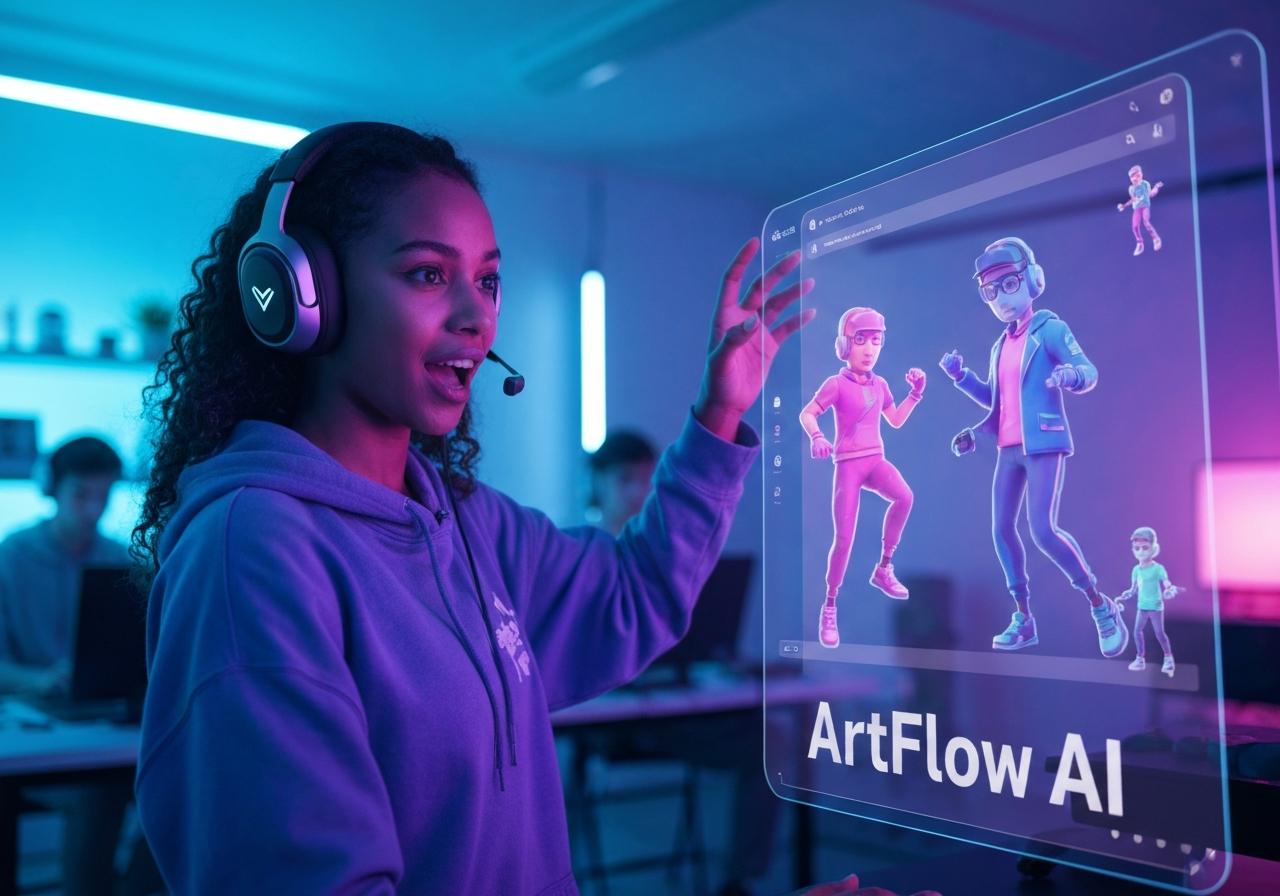
ArtFlow AI isn’t just another app; it’s a comprehensive content creation platform designed to empower gamers and streamers. The ability to generate custom gamer animations with AI levels the playing field, giving individual creators the power to produce visuals that were once only possible for large studios. This tool is essential for anyone serious about game development or building a personal brand in the competitive gaming space.
Generate Unique Gamer Content That Stands Out
In the fast-paced world of Call of Duty or other competitive titles, your content needs to grab attention instantly. Using ArtFlow for unique game visuals allows you to move beyond standard gameplay recordings. You can create custom intros, reaction animations, and narrative-driven shorts that tell a story. This is the best AI tool for game content creation because it puts originality first, helping you build a library of unique game assets that reflect your style and personality.
AI Animation for YouTube Gaming: A Perfect Match
For YouTubers, consistency and efficiency are key. AI animation software for gamers, like ArtFlow, drastically reduces production time and costs. Instead of spending days on complex editing, you can generate engaging animated gaming videos with AI in a fraction of the time. This allows you to publish content more frequently, keeping your audience engaged and growing your channel. It’s an invaluable tool for game storytelling, enabling you to create animated narratives that complement your gameplay.
Custom AI Characters for Video Games: The Next Level of Immersion
Beyond content creation for streams, ArtFlow offers incredible potential for indie game developers. The platform can be used for AI character design for games, allowing developers to quickly prototype and create virtual characters. These AI-generated characters can serve as NPCs (non-player characters) or even main protagonists in animated narratives, adding a layer of visual polish and immersion to a game. It’s a powerful way to produce high-quality game assets without a massive budget.
A Closer Look at ArtFlow AI’s Features for Streamers
ArtFlow is packed with features that directly benefit streamers and their need for dynamic, engaging content. The platform includes an Image Studio, Video Studio, and the highly-praised Story Studio, each designed to be intuitive. You can generate everything from talking head videos to complex, multi-scene stories. With a user-friendly interface, even those new to AI animation tools can start producing professional-grade creative visuals almost immediately.
ArtFlow AI Review: What the Gaming Community is Saying
The gaming and creator communities have been buzzing about ArtFlow. Reviews frequently praise its intuitive user interface and the revolutionary concept of the ‘AI Actor Builder’. Users love how easy it is to create consistent characters and place them in endless scenarios. Some reviews note that rendering times can occasionally be slow, a common trait in powerful AI platforms. However, the overall consensus is that ArtFlow provides incredible value, especially with its generous free plan that lets you train your first actor and start creating right away. The active Discord community is also a huge plus, offering support and inspiration.
Beyond Gaming: Other Creative Uses for ArtFlow AI
While ArtFlow AI for gamer animations is a primary use case, its capabilities extend far beyond the gaming world. Marketers are using it to create engaging ads with custom AI actors, and educators are developing interactive lessons. Digital artists and storytellers are using the platform to produce animated narratives and unique AI art. This versatility demonstrates the power and flexibility of the platform, making it a valuable tool for any creative professional looking to leverage machine learning for animation.
In conclusion, ArtFlow AI empowers gamers and content creators to produce stunning, unique animations with ease. From custom characters in the Actor Builder to dynamic scenes in the Story Studio, this tool is a must-have for anyone looking to elevate their content. With its user-friendly interface and powerful AI, ArtFlow AI is the key to unlocking your creative potential and captivating your audience.
Ready to level up your content? Download the free ArtFlow app for Android today and start creating your own unique gamer animations in minutes!