

 Table Contents
 Unleash your game development potential with Pixel Studio, the ultimate free pixel art editor for Android. Instantly begin designing custom characters, animations, and game assets right from your phone. This powerful tool is perfect for both beginners and professional artists, giving you everything you need to enhance your play and bring your unique gaming vision to life. Stop dreaming and start creating your own game graphics today.
Why Pixel Studio is the Go-To App for Game Asset Design
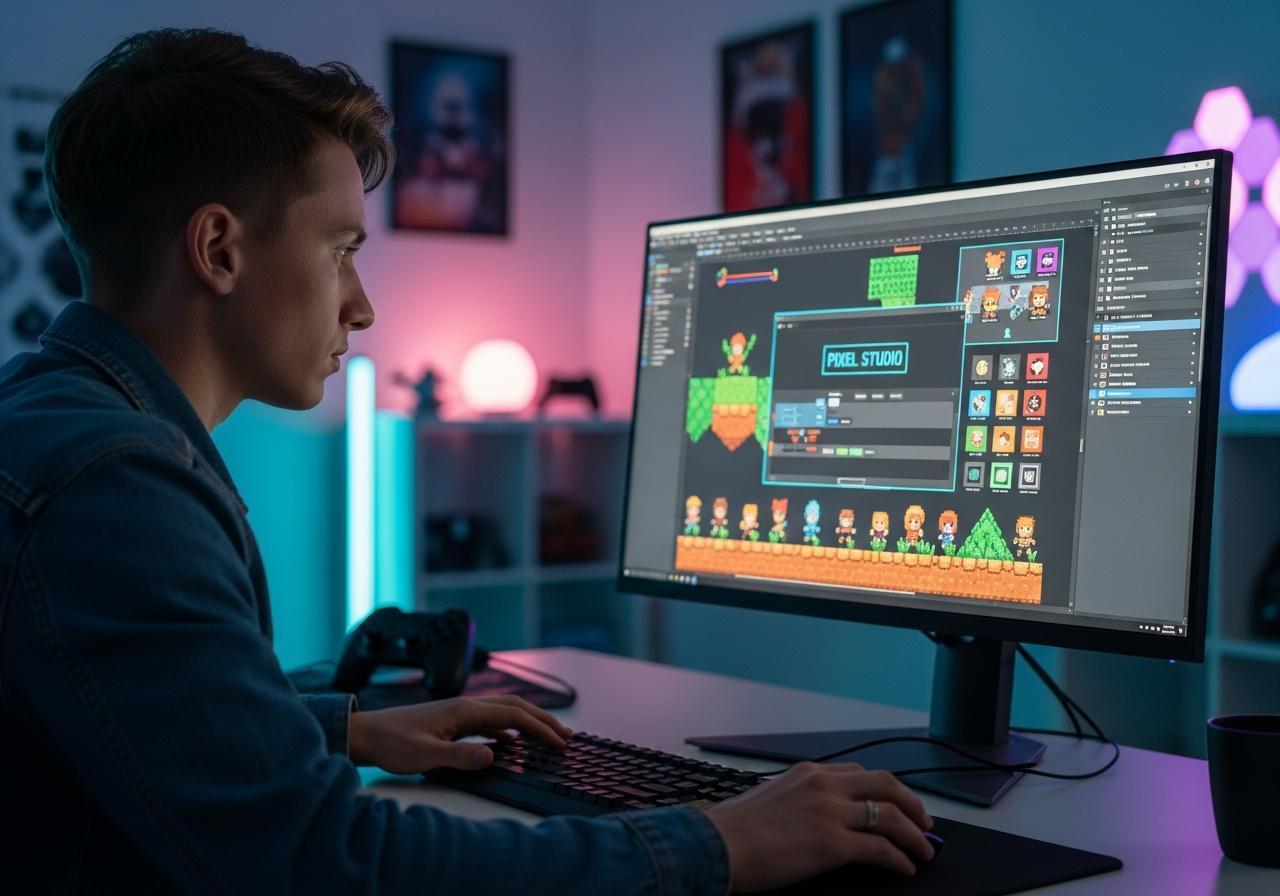
For any aspiring indie game developer or seasoned artist, finding the right tools is crucial. Pixel Studio stands out as the best pixel art editor for sprites and 2D game assets because it packs a professional-grade feature set into a free, mobile-first package. It’s more than just a drawing app; it’s a complete solution for digital art creation, built specifically for the needs of game designers. This makes it one of the top game design tools available on Android.
A Full Art Studio in Your Pocket: Layers, Palettes, and More
One of the most powerful Pixel Studio features for game artists is its robust layer system. Just like professional desktop software, you can work with multiple layers to separate characters from backgrounds or to experiment with different elements without altering your original work. This feature is a game-changer for complex projects.
The app also provides advanced color control with customizable palettes. You can create your own color schemes or import palettes from your favorite games to capture that perfect retro gaming graphics vibe. With a full suite of art tools—including a pencil, brush, fill bucket, and shape tools—you have complete control over every single pixel. This pixel graphics editor truly puts a studio in your hand.
Bring Your Creations to Life with Animation and Sprite Sheets
Static images are great, but animation is what makes a game feel alive. This is where a detailed Pixel Studio animation tutorial can be invaluable. The app simplifies character animation with an intuitive frame-by-frame timeline. The “onion skin” feature, which shows a faint overlay of the previous frame, makes it easy to create smooth and believable movements for your game sprites.
Once your animation is complete, Pixel Studio sprite sheet creation is a breeze. You can export your animation frames as a single PNG or GIF file, ready to be imported directly into your game engine. This streamlined workflow is essential for efficient indie game development and saves countless hours of manual work.
Seamless Cross-Platform Editing from Mobile to Desktop
Creativity shouldn’t be tied to one device. Pixel Studio is a true cross-platform editor, allowing you to sync your projects seamlessly across your Android phone, tablet, and desktop computer using Google Drive. Start a concept on your phone during your commute and then refine the details at home with drawing tablet support on your PC. This flexibility ensures your creative flow is never interrupted, making Pixel Studio for game development an incredibly versatile choice.
Transform Your Gameplay with Custom-Made Pixel Art
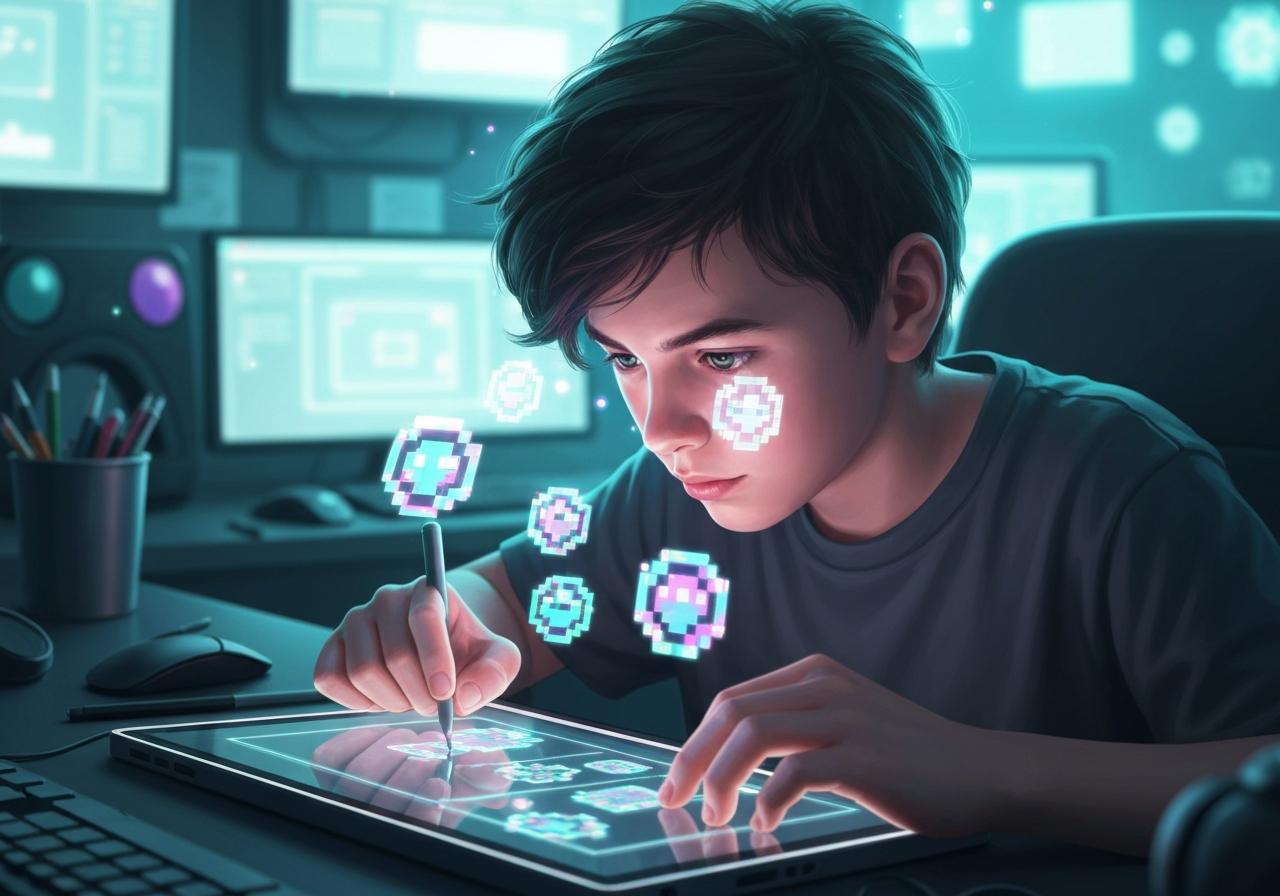
The ability to create custom game characters in Pixel Studio is what truly allows you to enhance your play. Instead of using generic assets, you can design heroes, villains, and creatures that perfectly match your game’s narrative and style. This level of customization options is what sets memorable games apart from the rest.
Design Memorable Characters and Enemies that Stand Out
Your game’s characters are its heart and soul. With Pixel Studio, you have the power to design every detail, from a hero’s determined expression to a monster’s menacing claws. Learning how to make pixel art for games with Pixel Studio means you can create a unique visual identity that players will remember long after they’ve put the game down. The process of Pixel Studio game asset design is intuitive enough for beginners yet deep enough for pros.
Build Immersive Game Worlds with Unique Tilesets and Backgrounds
A great game needs more than just cool characters; it needs an immersive world. Pixel Studio excels at creating tile sets and background elements that form the foundation of your game environment. You can design everything from grassy plains and dungeon walls to futuristic cityscapes. This allows you to build a cohesive and visually stunning world for players to explore, and even create custom user interface (UI) design elements to match.
Get Started in Minutes: Your Quick Guide to Creating with Pixel Studio
Wondering if Pixel Studio is free for game assets? The answer is a resounding yes, and getting started is incredibly simple. At GameApp4U, we provide safe APK downloads and easy guides, and we can confirm that this tool is accessible to everyone.
Follow these simple steps for mobile pixel art for games:
- Download and Install: Head to the Google Play Store and download Pixel Studio for free. The installation is quick and straightforward.
- Create a New Project: Open the app and start a new canvas. You can choose from preset sizes or create a custom resolution perfect for your game sprites or tile sets.
- Explore the Tools: Familiarize yourself with the toolbar. Tap the pencil to draw, the palette to choose colors, and explore the layers menu. Don’t be afraid to experiment!
- Draw and Animate: Start bringing your ideas to life. Create your first character, then switch to the animation tab to create a simple walk cycle using the frame-by-frame editor.
- Export Your Assets: Once you’re happy with your creation, use the export function. You can save your work in various export formats like PNG, JPG, GIF, and PSP (Pixel Studio Project), ready for your game.
After a thorough Pixel Studio review for game development, we believe it’s one of the best entry points into game art creation, easily rivaling many Pixel Studio alternatives for pixel art.
Pixel Studio offers an unmatched combination of power, simplicity, and accessibility for game artists. As a free, feature-rich tool available on Android, it empowers you to create professional-quality game assets anywhere, anytime. Whether you’re animating a hero, designing a world, or creating UI elements, Pixel Studio is the best pixel art editor to elevate your game development projects.
Ready to create your own gaming assets? Download Pixel Studio for free on the Google Play Store and start designing today!